
Power Query

Categories: Data & Analytics
Share

About Course

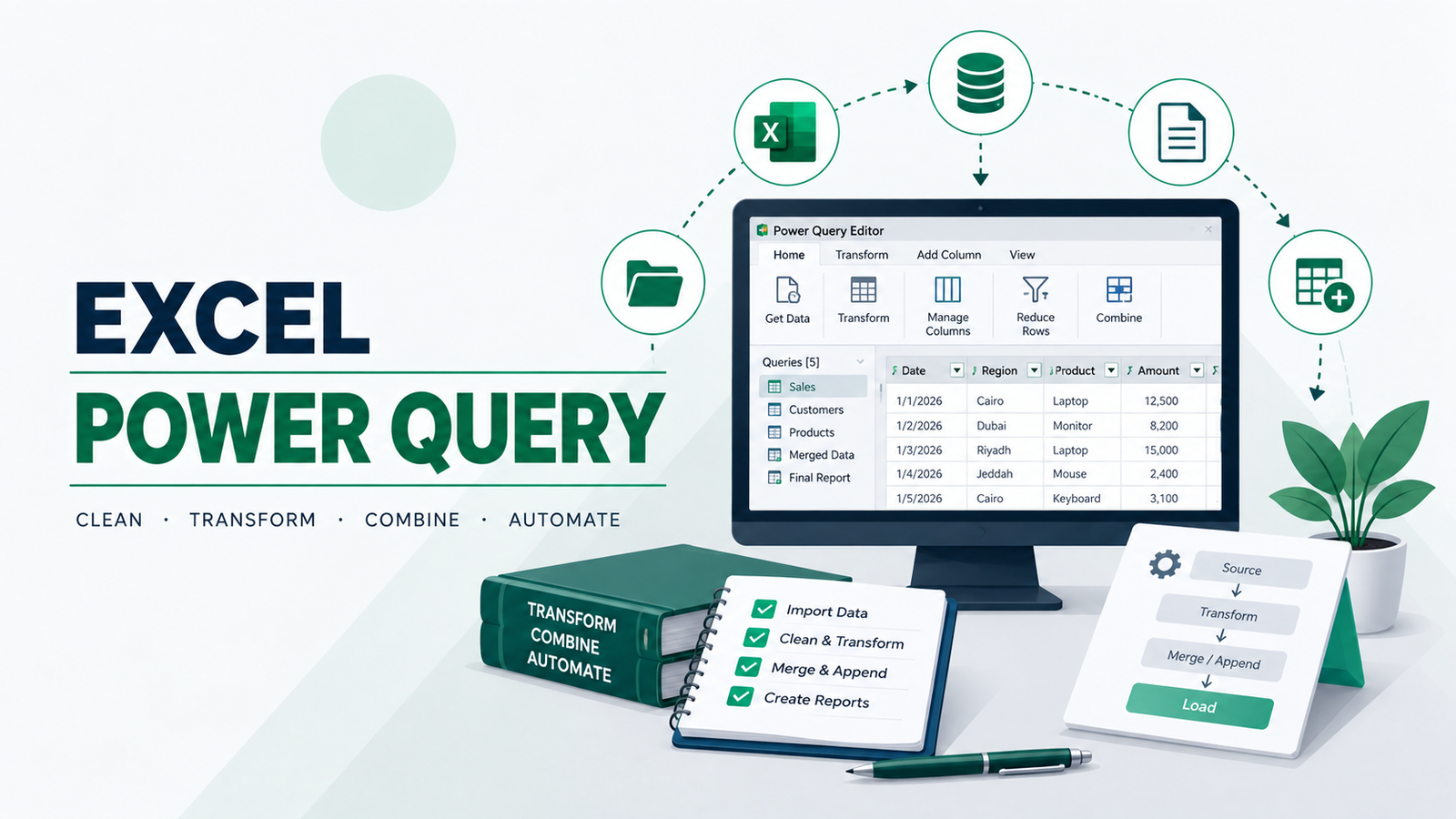
Power Query – Master Power Query: Beginner-to-Advanced course material. It covers foundations, data transformation, query management, Merge/Append, M language, query folding, and the Power BI workflow.

What Will You Learn?

  • Understand the fundamentals of Power Query and work confidently within the Power Query Editor.
  • Prepare properly structured datasets and manage data types, regional settings, and common data-quality issues.
  • Transform and reshape data using text, number, date and time transformations, Pivot and Unpivot.
  • Combine data using Merge and understand the different join types.
  • Use Append to consolidate data from multiple tables, worksheets, workbooks and folders.
  • Manage queries effectively, including Duplicate vs. Reference, error handling and broken source paths.
  • Understand the fundamentals of M language, query folding and when to use Power Query versus the Excel Data Model.
  • Build refreshable and scalable data-preparation solutions that can support Excel dashboards and transfer directly into the Power BI workflow.

Course Content

Data Transformation: Clean, Reshape and Prepare Your Data
Learn how to transform raw and inconsistent datasets into clean, structured data ready for analysis. Master text and number transformations, date and time functions, data types, regional settings and locale handling. Explore Pivot and Unpivot techniques to reshape data effectively, while learning how to handle common issues such as null values, inconsistent formats and poorly structured source data.

Append & Merge: Combine Data from Multiple Sources
Master Power Query's most powerful data-combination techniques. Learn how Merge can replace traditional VLOOKUP-style lookups by joining tables using different join types, and how Append can stack data from multiple tables, worksheets, workbooks and folders. Understand the rules for successful appending, source tracking, and scalable consolidation of recurring files and datasets.

Special Cases: Advanced Power Query Techniques & Troubleshooting
Handle the situations that require more than standard Power Query transformations. Learn how to manage moved or broken data sources, errors, duplicate and reference queries, regional date and number issues, null values and complex data structures. Go further with M language fundamentals, query folding and understanding when to use Power Query versus the Excel Data Model—building solutions that remain reliable and refreshable.